> ## Documentation Index
> Fetch the complete documentation index at: https://docs.eversi.de/llms.txt
> Use this file to discover all available pages before exploring further.
# ,autocaptcha
**Group:** ѕᴛᴀɴᴅᴀʀᴅ\
**Aliases:** `,captcha`
### Description
A highly configurable command that allows user to bypass captcha provided by server.
### Commands
**Usage:** `,autocaptcha player`\
Toggles automatic captcha solving for player.
**Usage:** `,autocaptcha bots`\
Toggles automatic captcha solving for bots.
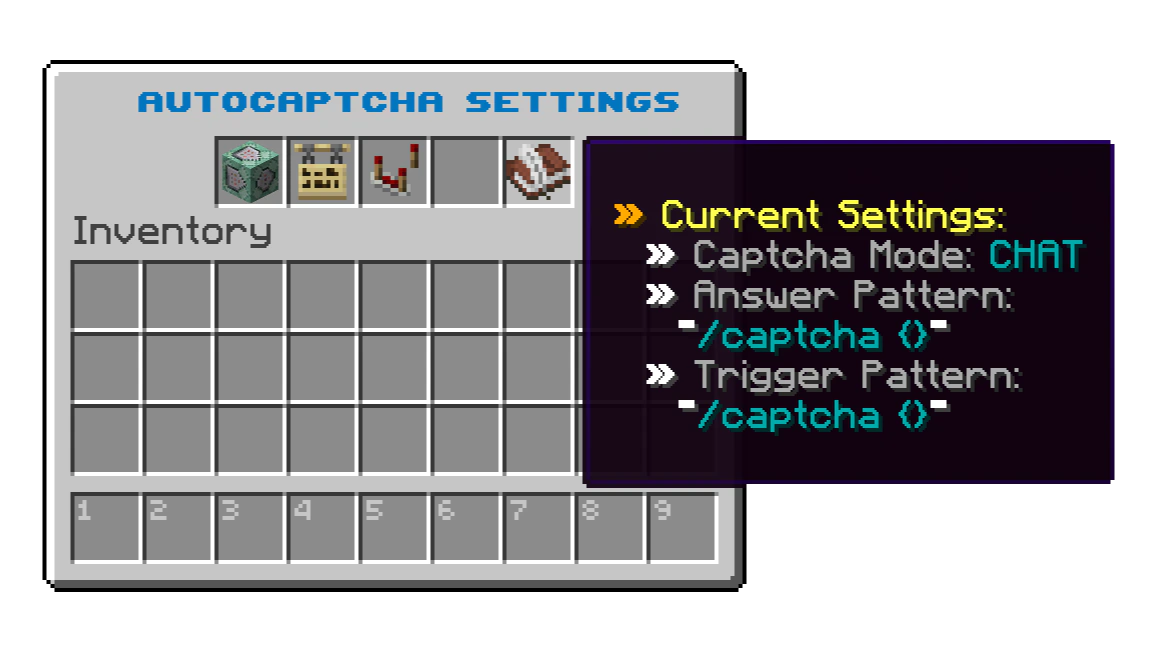
**Usage:** `,autocaptcha config`\
Opens autocaptcha configuration interface.
 ### **Available Modes**
**Group:** ѕᴛᴀɴᴅᴀʀᴅ\
**Daily Quota:** ᴜɴʟɪᴍɪᴛᴇᴅ
### Trigger Pattern
A trigger pattern is point at which autocaptcha will be initiated. In trigger pattern, you can define the position of code once using `{}` in place where code is.
Trigger pattern can be specified directly in `,autocaptcha config` interface using dialog, or using dedicated command `,autocaptcha trigger ` .
### **Available Modes**
**Group:** ѕᴛᴀɴᴅᴀʀᴅ\
**Daily Quota:** ᴜɴʟɪᴍɪᴛᴇᴅ
### Trigger Pattern
A trigger pattern is point at which autocaptcha will be initiated. In trigger pattern, you can define the position of code once using `{}` in place where code is.
Trigger pattern can be specified directly in `,autocaptcha config` interface using dialog, or using dedicated command `,autocaptcha trigger ` .
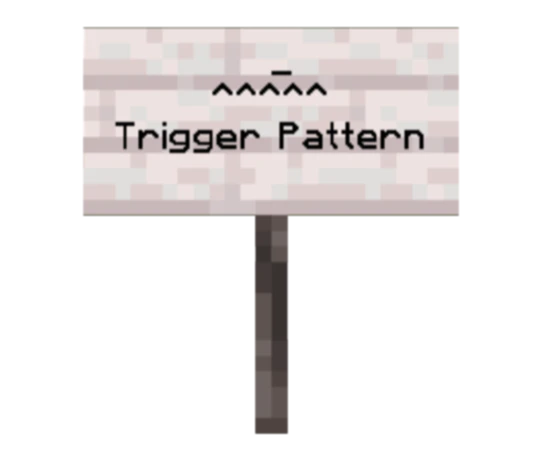 You can use [regular expressions](https://en.wikipedia.org/wiki/Regular_expression) in pattern dialog and/or command, but it's functionality is limited.
### Answer Pattern
An answer pattern is a pattern that autocaptcha will respond to the server with, accepting `{}` as the code detected by trigger pattern.
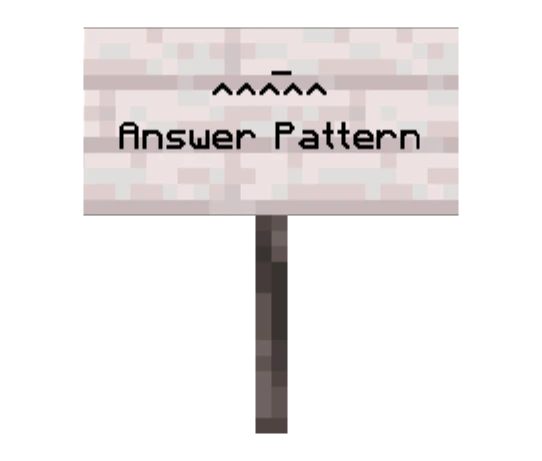
Answer pattern can be specified directly in `,autocaptcha config` interface using dialog, or using dedicated command `,autocaptcha answer ` .
You can use [regular expressions](https://en.wikipedia.org/wiki/Regular_expression) in pattern dialog and/or command, but it's functionality is limited.
### Answer Pattern
An answer pattern is a pattern that autocaptcha will respond to the server with, accepting `{}` as the code detected by trigger pattern.
Answer pattern can be specified directly in `,autocaptcha config` interface using dialog, or using dedicated command `,autocaptcha answer ` .
 **Examples:**
**Trigger Pattern:** `/register {}`\
**Answer Pattern:** `/register PP55w0rd PP55w0rd {}`\
**AutoCaptcha Output:** `/register PP55w0rd PP55w0rd I4MN0t3p5t31n`
**Trigger Pattern:** `/captcha {}`\
**Answer Pattern:** `/captcha {}`\
**AutoCaptcha Output:** `/captcha 4fr1c4`
### Example Usage Video
**Group:** ᴘʀᴇᴍɪᴜᴍ\
**Daily Quota:** 1000 captchas
### Trigger Pattern
A trigger pattern is point from which autocaptcha will wait for captcha map from server.
Trigger pattern can be specified directly in `,autocaptcha config` interface using dialog, or using dedicated command `,autocaptcha trigger ` .
You can use [regular expressions](https://en.wikipedia.org/wiki/Regular_expression) in pattern dialog and/or command, but it's functionality is limited.
### Answer Pattern
An answer pattern is a pattern that autocaptcha will respond to the server with, accepting `{}` as the code detected by image processing artifical intelligence model.
Answer pattern can be specified directly in `,autocaptcha config` interface using dialog, or using dedicated command `,autocaptcha answer ` .
**Examples:**
**Trigger Pattern:** `code|map`\
**Answer Pattern:** ` {}`\
**AutoCaptcha Output:** `H3l105`
**Trigger Pattern:** `/register
**Examples:**
**Trigger Pattern:** `/register {}`\
**Answer Pattern:** `/register PP55w0rd PP55w0rd {}`\
**AutoCaptcha Output:** `/register PP55w0rd PP55w0rd I4MN0t3p5t31n`
**Trigger Pattern:** `/captcha {}`\
**Answer Pattern:** `/captcha {}`\
**AutoCaptcha Output:** `/captcha 4fr1c4`
### Example Usage Video
**Group:** ᴘʀᴇᴍɪᴜᴍ\
**Daily Quota:** 1000 captchas
### Trigger Pattern
A trigger pattern is point from which autocaptcha will wait for captcha map from server.
Trigger pattern can be specified directly in `,autocaptcha config` interface using dialog, or using dedicated command `,autocaptcha trigger ` .
You can use [regular expressions](https://en.wikipedia.org/wiki/Regular_expression) in pattern dialog and/or command, but it's functionality is limited.
### Answer Pattern
An answer pattern is a pattern that autocaptcha will respond to the server with, accepting `{}` as the code detected by image processing artifical intelligence model.
Answer pattern can be specified directly in `,autocaptcha config` interface using dialog, or using dedicated command `,autocaptcha answer ` .
**Examples:**
**Trigger Pattern:** `code|map`\
**Answer Pattern:** ` {}`\
**AutoCaptcha Output:** `H3l105`
**Trigger Pattern:** `/register `\
**Answer Pattern:** `/register PP55w0rd PP55w0rd {}`\
**AutoCaptcha Output:** `/register PP55w0rd PP55w0rd D3b1l`
### Example Usage Video
Our artificial intelligence model is trained to automatically detect captcha code location on map, so there is no need to specify exactly where on the map code is located. Even if there is additional text on the map other than the captcha, our model will only read the captcha code.
**THIS SECTION IS CURRENTLY UNDOCUMENTED!**\
But that type of automatic captcha solving is in my opinion too powerful and it totally destroys ability f0r servers to protect themselves with any form of captcha.